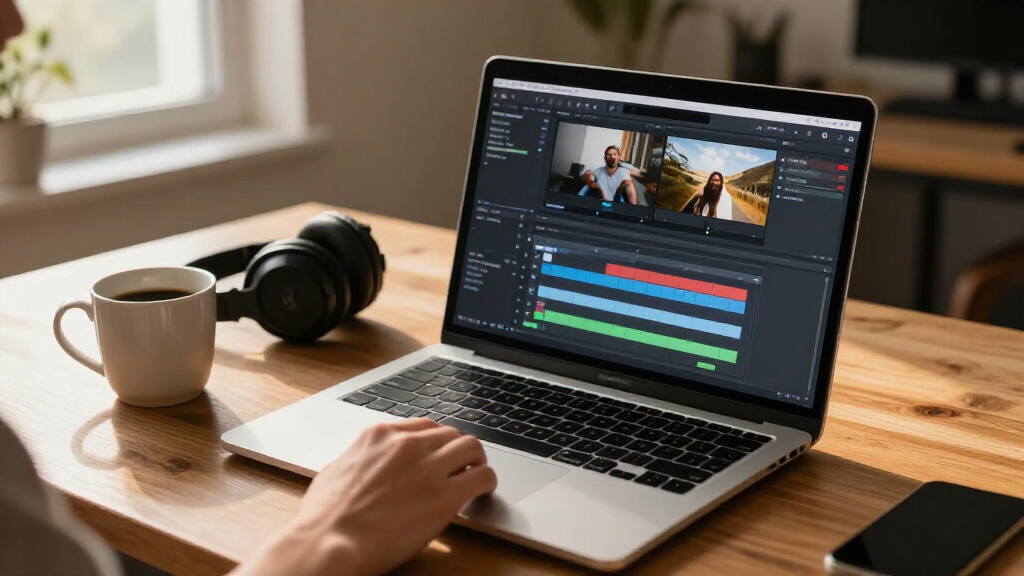

🔍 Read the full analysis: How 14 AI Video Editing Software Options Can Ease Your Workflow on ThorstenMeyerAI.com

Prime made for students and young adults
- Fast, free delivery for dorm and study essentials
- Prime Video and Amazon Music included
- Member-only deals
TL;DR
A buyer’s guide from ThorstenMeyerAI.com compares 14 video-editing software listings, from AI-positioned CyberLink PowerDirector editions to Adobe tools, VEGAS Pro Edit and VideoPad. The source presents these as options with different workflows, platforms and license terms; it does not provide independent performance tests or establish that every feature will save time.
ThorstenMeyerAI.com has published a guide to 14 video-editing software listings, comparing how they may fit different workflows, levels of editing experience and computer platforms. The report puts CyberLink PowerDirector 2027 Ultimate first for its AI-focused positioning, while describing Adobe Premiere Elements as a more approachable choice and Adobe Creative Cloud Pro as a broader creative suite; those recommendations are the guide’s assessments, not results of a disclosed benchmark.
The 14 listings span CyberLink, Adobe, Nero, Movavi, VEGAS Pro and VideoPad, with several entries representing different editions or bundles rather than wholly separate software families. The source singles out multiple PowerDirector versions, a PowerDirector and PhotoDirector bundle, and the 2027 Ultimate edition. It cautions readers to compare exact product names and included applications before treating those listings as equivalent.
The comparison frames the main choice as guided automation versus hands-on control. Premiere Elements is presented as a focused, more approachable editor; Creative Cloud Pro is aimed at buyers who want a wider set of creative applications; and VEGAS Pro Edit is described as a fit for people seeking more direct control. VideoPad appears in paid and free listings, but the guide advises checking the free edition’s limits before depending on it for regular work.
Platform and purchase terms are practical filters. According to the guide, most listed CyberLink products and Nero Video Maker are for Windows, Movavi’s listed license is for Mac, and Adobe’s options include PC and Mac editions. Listings may involve different license types, bundles or education pricing, so the source recommends checking the exact edition, system requirements and license conditions before buying.
The 14 picks
- 1
 Adobe Creative Cloud Pro 1-Year Subscription for PC and MacView on Amazon →
 - 2
 VEGAS Pro Edit 21 – The Creative Standard for Video and Audio (1 License, PC)View on Amazon →
 - 3
 Adobe Photoshop Elements & Premiere Elements 2027, 3-Year License for PC and MacView on Amazon →
 - 4
 CyberLink PowerDirector 2027 Ultimate AI Video Editing Software for WindowsView on Amazon →
 - 5
 Adobe Premiere Elements 2027 Video Editing Software, 3-Year License, PC/Mac O…View on Amazon →
 - 6
 VideoPad Video Editor FreeView on Amazon →
 - 7
 VideoPad Video Editor for WindowsView on Amazon →
 - 8
 Movavi Video Editor 2026 for Mac Personal LicenseView on Amazon →
 - 9
 CyberLink PowerDirector & PhotoDirector 2026 | AI Video and Photo Editing Sof…View on Amazon →
 - 10
![Corel VideoStudio Pro 2021 Video and Movie Editing Software [PC Disc]](https://m.media-amazon.com/images/I/61a1LXutfRL._AC_SL480_.jpg) Corel VideoStudio Pro 2021 Video and Movie Editing Software [PC Disc]View on Amazon →
Corel VideoStudio Pro 2021 Video and Movie Editing Software [PC Disc]View on Amazon → - 11
 Adobe Photoshop Elements & Premiere Elements 2027 Student & Teacher Edition –…View on Amazon →
 - 12
 CyberLink PowerDirector 2026 Video Editing Software for WindowsView on Amazon →
 - 13
 CyberLink PowerDirector 2026 Video Editing Software for WindowsView on Amazon →
 - 14
 Nero Video Maker Video Editing Software for WindowsView on Amazon →
Choosing Tools Around Real Editing Work
The comparison matters to buyers because an AI label alone does not establish a workflow benefit. Automation may help with a repetitive task, but the guide advises checking whether users can review and adjust its output. For detailed storytelling, client projects or one-off videos, manual timeline and audio controls may be more useful than a feature designed for a narrow shortcut.
Choosing the wrong platform or license can also make a seemingly suitable editor impractical. A software listing may not support the buyer’s computer, and a bundled photo app or subscription can change what the purchase includes. Readers can use the guide’s distinctions to narrow options, but should verify current product details directly before committing.
Popular right now

Breville Bambino Espresso Machine, Brushed Stainless Steel (BES450BSS)

Ninja DualZone Air Fryer 10 Qt Smart 6-in-1 Grey (DZ950)

Bose QuietComfort Wireless Noise-Cancelling Over-Ear Headphones, Black
As an affiliate, we earn on qualifying purchases.
How the 14 Listings Were Compared
The source says it assessed the listings by edition and license clarity, operating-system compatibility, workflow level and the usefulness of included photo or suite applications. It favors what it considers a clear fit for common editing needs, with PowerDirector 2027 Ultimate ranked first for its explicit AI positioning. The article does not describe a standardized test or provide measured editing times.
Its practical advice is to start with the task that takes the most time—such as trimming footage, making captions or preparing a short social video—and see whether a tool’s automation addresses it. Buyers should also consider how often they edit, how much manual control they need, their computer’s capabilities and the formats and export settings their projects require.
“The right choice depends on how much creative control you need and which computer you use.”
— ThorstenMeyerAI.com guide
Product Features and Terms to Verify
The source does not provide hands-on test results, measured time savings or a feature-by-feature audit for all 14 listings. It also gives no publication date, prices or full specification table in the supplied material. Its rankings and workflow descriptions should be read as editorial guidance, not independently verified product performance.
Current features, system requirements, supported formats, license duration and bundle contents may vary by edition and retailer. The supplied material does not spell out every product name or the detailed feature limits for the free VideoPad listing. Buyers should confirm those particulars from the seller or software maker before purchase.
Check Editions Before You Buy
The next step for readers is to identify the task they want to simplify, then shortlist software that supports their operating system and project requirements. Before checkout, compare the exact edition, included applications, license type and system requirements; where possible, test an available trial or free version on a typical project.
The guide does not announce a follow-up test or a schedule for updated rankings. Because the product labels include 2026 and 2027 editions and software terms can change, readers should check current listings rather than assume the comparison’s details remain unchanged.
Key Questions
Which software does the guide rank first?
The guide places CyberLink PowerDirector 2027 Ultimate first because of its AI-focused positioning. That is the source’s editorial ranking, not a result backed by disclosed benchmark data.
Does AI video editing software always save time?
No time savings are established for all users or tasks in the supplied comparison. Its advice is to choose automation that addresses a specific, recurring step and check whether its results can be edited manually.
Which options are described as suitable for beginners?
The source presents Adobe Premiere Elements as a more approachable, focused option. It does not report user testing, so buyers should judge the interface and workflow against their own experience and project needs.
What should buyers verify before purchasing?
Check the exact product edition, operating-system support, system requirements, license terms and any included photo or suite applications. The guide also recommends checking limits on VideoPad’s free listing.
Source: ThorstenMeyerAI.com