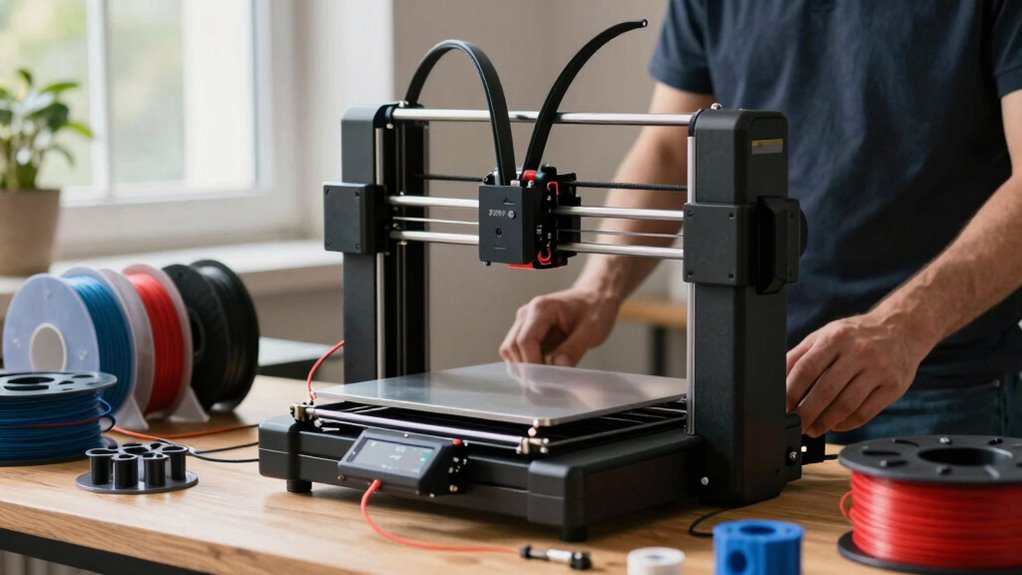

Before buying a 3D printer, understand its capabilities, limitations, and your project needs. Check if it supports the materials you plan to use, like flexible filaments or specialty plastics, to prevent failed prints. Consider maintenance requirements and your comfort with troubleshooting. Align your choice with your skill level and goals, and look into support options. Stick around, and you’ll gain insights to make an informed decision and avoid costly mistakes.
Key Takeaways
- Ensure the printer supports the specific filament or resin types needed for your projects.
- Understand the machine’s capabilities and limitations to match your skill level and project complexity.
- Regular maintenance like cleaning and calibration is essential for optimal performance and longevity.
- Consider user-friendliness and available support to ease troubleshooting and repairs.
- Plan for ongoing costs, such as replacement parts and materials, to avoid budget surprises.
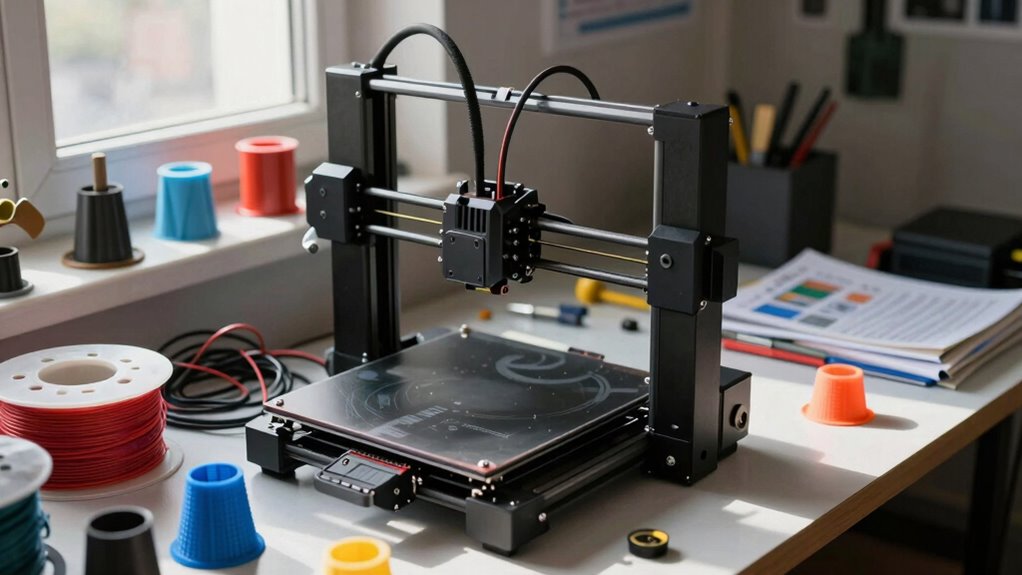
Thinking about buying a 3D printer? Before you jump in, it’s essential to understand what you’re really getting into. 3D printing isn’t just about having the latest gadget; it involves a commitment to understanding the machine’s capabilities and limitations. One of the most critical factors to consider is material compatibility. Not all printers work with every filament or resin, so you need to choose a model that supports the materials you plan to use. For example, if you want to print with flexible filaments like TPU or specialty materials like ABS, make sure the printer’s extruder and build platform can handle them. Some printers are designed for straightforward PLA prints, but if you’re aiming for more advanced projects, you’ll need to verify that your chosen machine can work with the specific materials. Ignoring material compatibility can lead to failed prints, wasted money, and, worse, damage to your printer. Understanding material compatibility is crucial for successful 3D printing. Additionally, you should think about compatibility with different materials to ensure your printer can accommodate future projects and experimental filaments.
Furthermore, you should think about maintenance requirements before making a purchase. 3D printers aren’t set-it-and-forget-it devices; they need regular upkeep to perform at their best. Some models require frequent cleaning of the print bed, nozzle replacement, or calibration to ensure print quality. Others might need more extensive maintenance, such as lubricating moving parts or updating firmware. If you’re not prepared for ongoing maintenance, your printer’s lifespan and performance will suffer, and your overall costs will increase. It’s worth researching how often your chosen model needs attention and whether you’re comfortable handling those tasks or if you’ll need to seek professional help.
Furthermore, think about your technical comfort level. Many printers come with a user-friendly interface, but some require a good understanding of electronics and mechanical adjustments. The more complex the machine, the more maintenance it might need, so weigh that against your willingness to troubleshoot issues. Also, consider the availability of replacement parts and community support. Popular models often have extensive online forums and spare parts, making repairs easier and more affordable.
In the end, buying a 3D printer is about aligning your goals with your capacity to manage the machine’s requirements. Knowing upfront about material compatibility ensures you pick a printer that meets your project needs. Being aware of maintenance requirements allows you to plan for ongoing care, maximizing your investment’s longevity. When you’re informed about these aspects, you’re more likely to enjoy successful prints and a satisfying 3D printing experience.
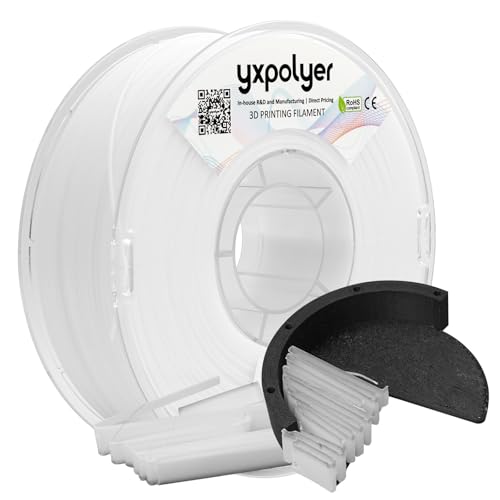
YXPOLYER Breakaway Support Filament 1kg 1.75mm with Upgraded PC Reusable AMS-Compatible Spool, Solvent-Free Support Material for PETG, Nylon, PA-CF, PPS, PC-CF, and More Engineering-Grade Filament
High-Temperature Breakaway Support: Formulated for use with engineering-grade materials, this non-soluble support withstands high heat without softening. Maintains…
As an affiliate, we earn on qualifying purchases.
As an affiliate, we earn on qualifying purchases.
Frequently Asked Questions
What Is the Lifespan of a Typical 3D Printer?
A typical 3D printer lasts around 3 to 5 years with proper care. You should regularly check and replace parts like the nozzle and belts, and guarantee good filament storage to prevent jams. Proper paint finishing techniques can also extend its life by protecting sensitive components. Keep your printer clean and maintained, and you’ll enjoy consistent prints for years, making it a worthwhile investment.
How Much Does Maintenance Generally Cost Annually?
Think of maintenance costs as your 3D printer’s health check-up. Expect to spend around $100 to $300 annually, mainly for filament storage, replacing worn parts, and calibration techniques. Regular cleaning and proper filament storage prevent clogs and keep your printer running smoothly, reducing expensive repairs. Staying on top of maintenance guarantees longevity, so you can focus more on creating and less on fixing, just like tending a well-loved garden.
Can I Print With Multiple Materials Simultaneously?
Yes, you can print with multiple materials simultaneously if your 3D printer supports multi-material printing and has compatible features. Look for printers with dual or multi-extruders, which allow you to use different filament types and colors in one print. Keep in mind, material compatibility is essential; not all filaments work well together, so check the printer’s specifications and recommended material sets to guarantee smooth multi-material printing.
What Safety Precautions Are Necessary During Printing?
You should always wear safety gear like gloves and goggles during printing to protect yourself from fumes and hot surfaces. Guarantee proper ventilation by working in a well-ventilated area or using an air filtration system, as some filaments emit potentially harmful fumes. Never leave the printer unattended while printing, and keep the workspace clear of flammable materials. Following these safety precautions helps prevent accidents and health issues.
How Do I Troubleshoot Common Print Failures?
Imagine your print keeps warping, and you realize the filament selection isn’t ideal. First, check your print bed leveling—uneven beds cause failures. Then, switch to a filament suited for your printer and project. If issues persist, verify your extruder temperature and guarantee the filament feeds smoothly. Troubleshooting involves adjusting print settings, maintaining proper bed leveling, and selecting compatible filament to achieve successful prints consistently.

FLASHFORGE Adventurer 5M 3D Printer with Fully Auto Leveling, Max 600mm/s High Speed Printing, 280°C Direct Extruder with 3S Detachable Nozzle, CoreXY All Metal Structure, Print Size 220x220x220mm
One-Click Automatic Printing: Experience hassle-free 3D printing with the Adventurer 5M Series. Enjoy automatic bed leveling for flawless…
As an affiliate, we earn on qualifying purchases.
As an affiliate, we earn on qualifying purchases.
Conclusion
Think of a 3D printer as a garden. You can’t just plant the seed and expect a lush garden overnight. It takes patience, care, and learning to nurture your plants. Similarly, a 3D printer isn’t a magic box that instantly creates perfect objects. Prepare to invest time in understanding, troubleshooting, and refining your skills. Only then will your “garden” flourish, rewarding you with beautiful, functional creations you’ve grown yourself.

Creality 3D Printer Tool Kit, 74Pcs 3D Printing Tool Wrap Kit Assembly/Removal/Filament Cutting Set 3D Printer Accessories for All FDM Printers Cleaning Finishing Printing
【Professional Versatility & Wide Application】Disassemble, assemble, connect, grind, cut, cleaning, scrape, shovel.This 3D Printer Tool Wrap Kit Pro…
As an affiliate, we earn on qualifying purchases.
As an affiliate, we earn on qualifying purchases.

Creativity Full Assembled Ender 3 Hotend Upgraded Kit with Nozzles 3D Printer Parts Accessories Replacement for Ender 3s/ Ender 3 Pro 3D Printer
✅【High Quality】 24V high speed fan, lose heat quickly and efficiently; nozzle and tube connect seamless, prevent material…
As an affiliate, we earn on qualifying purchases.
As an affiliate, we earn on qualifying purchases.