
📊 Full opportunity report: Build vs Buy a Prebuilt AI Workstation on ThorstenMeyerAI.com — validation score, market gap, and execution plan.

Prime made for students and young adults
- Fast, free delivery for dorm and study essentials
- Prime Video and Amazon Music included
- Member-only deals
TL;DR
In 2026, the traditional cost advantage of building your own AI workstation has diminished due to component shortages and price spikes. Buyers now must weigh cost, time, thermal control, and warranty options when deciding between building or purchasing prebuilt systems.
In 2026, the long-held assumption that building a custom AI workstation is cheaper than buying a prebuilt has shifted, as component shortages and price increases make DIY builds more expensive and less predictable.
Traditionally, building an AI workstation was considered the most cost-effective option, with the added benefit of customization and control. However, recent supply chain disruptions and market dynamics have caused GPU, RAM, and SSD prices to spike, eroding the cost advantage of DIY assembly. Meanwhile, reputable prebuilt vendors such as BIZON, Puget Systems, and Lambda have leveraged bulk purchasing and validation processes to offer systems at competitive or even lower prices than individual component costs.
Prebuilt systems now often include validated thermals, extensive testing, and warranties, reducing the technical burden on users. These systems are designed for sustained high loads, with some claiming up to 30% lower noise and temperature levels, thanks to factory tuning and water-cooling options. For users prioritizing plug-and-play convenience, these prebuilt options can be more attractive and cost-effective than assembling a machine independently.
For hobbyists and students, DIY remains appealing due to the educational value and upgrade flexibility, but for professionals or those with limited time, prebuilt systems offer a lower-risk, ready-to-run solution. The decision now hinges on a detailed cost comparison, factoring in the current market prices and the value of time and thermal expertise. For more guidance, see our article on build vs buy a prebuilt AI workstation.
Build vs buy
an AI workstation.
The real question behind this whole series: do you pull the five heat-and-noise levers yourself, or buy a prebuilt where the vendor pulled them for you? And in 2026, the old “building is cheaper” rule has broken. Match your situation in Part 3.
Implications of Rising Component Costs on Build vs Buy Decisions
This shift significantly impacts the traditional DIY advantage, making prebuilt systems more competitive on price and reliability. For professionals, this means a reassessment of budget and time allocations, possibly favoring prebuilt options that include validation and warranties. It also underscores the importance of accurate, current pricing and understanding thermal management requirements, especially for multi-GPU setups, which are more thermally demanding.
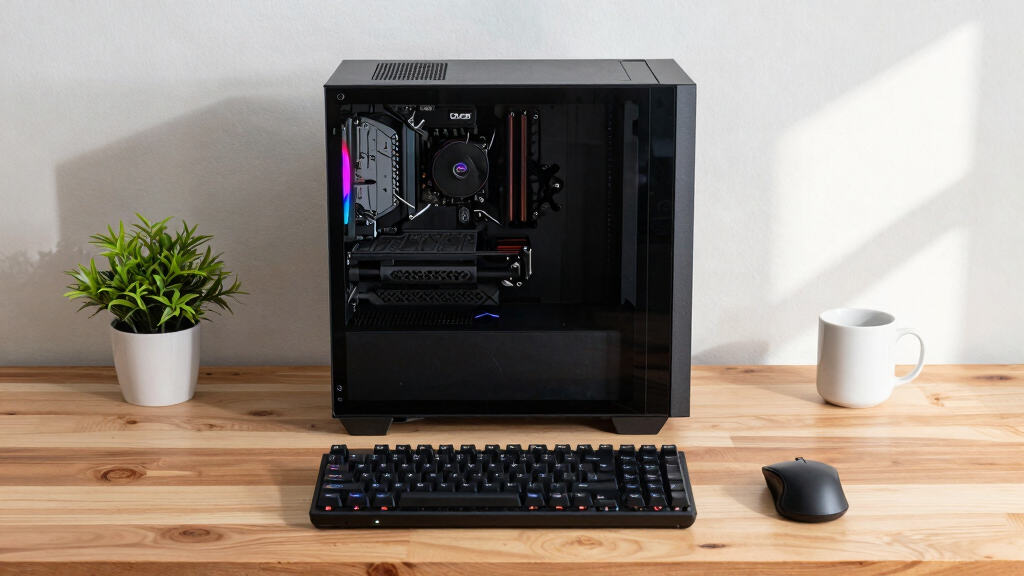
prebuilt AI workstation with water cooling
As an affiliate, we earn on qualifying purchases.
As an affiliate, we earn on qualifying purchases.
Market Trends and Supply Chain Disruptions in 2026
Since 2024, global supply chain issues and increased demand for AI hardware have caused GPU, RAM, and SSD prices to surge. Large vendors capitalized on bulk buying, enabling them to offer systems at prices that are difficult for DIY builders to match today. This market environment has overturned the longstanding rule that building is always cheaper, prompting a reevaluation of the build-vs-buy calculus for AI workstations.
"Component shortages and price spikes have shifted the economics of building your own AI workstation in 2026. Buyers now need to compare actual prices carefully and consider thermal validation and warranty options."
— Thorsten Meyer, AI hardware expert
high performance GPU for AI workloads
As an affiliate, we earn on qualifying purchases.
As an affiliate, we earn on qualifying purchases.
Unresolved Questions About Long-Term Cost and Performance
It remains unclear how ongoing market fluctuations will influence component prices in the coming months, and whether prebuilt vendors will maintain their current pricing and validation standards. Additionally, the long-term upgradeability and customization potential of prebuilt systems compared to DIY builds are still being evaluated by users.
professional AI workstation warranty
As an affiliate, we earn on qualifying purchases.
As an affiliate, we earn on qualifying purchases.
Future Trends in AI Workstation Procurement Strategies
Expect continued price volatility and innovation in thermal management solutions. If you're considering your options, learn more about build vs buy a prebuilt AI workstation. Buyers should monitor market prices and vendor offerings closely, and consider future upgrade paths. Further, as supply chain issues stabilize, the cost gap between build and buy may shift again, influencing long-term decisions.
As an affiliate, we earn on qualifying purchases.
Key Questions
Is building an AI workstation still cheaper in 2026?
Not necessarily. Due to component shortages and price spikes, prebuilt systems can now match or beat DIY costs, especially when factoring in validation, warranties, and time savings.
What are the main advantages of buying a prebuilt AI workstation?
Prebuilts offer plug-and-play convenience, validated thermals, warranties, and reduced technical effort, making them ideal for professionals with limited time or thermal expertise.
Can I upgrade a prebuilt AI workstation later?
Upgradeability varies by vendor and model, but many high-end prebuilt systems allow component upgrades. However, they may be less flexible than custom builds.
Should hobbyists still build their own AI systems?
Yes, if they value learning, customization, and upgrade flexibility, and have the time and expertise to manage thermal tuning and troubleshooting.
How do component shortages affect future AI workstation costs?
Ongoing shortages could keep prices high or volatile, making careful market analysis essential for both builders and buyers in the near term.
Source: ThorstenMeyerAI.com
Fall Picks
fall essentials
As an affiliate, we earn on qualifying purchases.