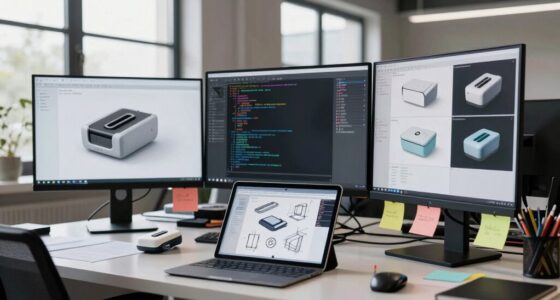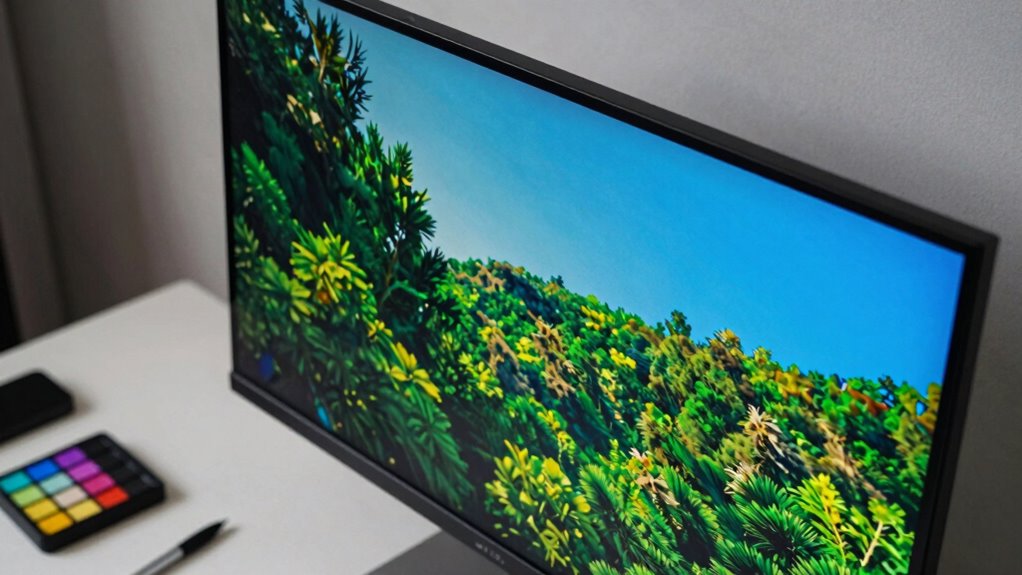

Using a color-accurate monitor is essential for your serious visual work because it guarantees your colors stay consistent and true across different devices and final outputs. With proper calibration, you’ll avoid misguided edits caused by color discrepancies and achieve professional-quality results. Wide color gamut screens let you explore richer hues, while color management tools help keep everything precise. Stay with us to discover how mastering these tools can elevate your creative projects to the next level.
Key Takeaways
- Accurate color representation ensures final output matches on-screen visuals, preventing flawed edits and misinterpretations.
- Proper calibration aligns monitor display with industry standards, maintaining consistency across devices and projects.
- Color management and profiles preserve color fidelity throughout different software and hardware workflows.
- Wide color gamut displays expand creative possibilities with richer, more precise color palettes.
- Reliable, color-accurate monitors support professional-grade editing, grading, and printing, elevating overall project quality.
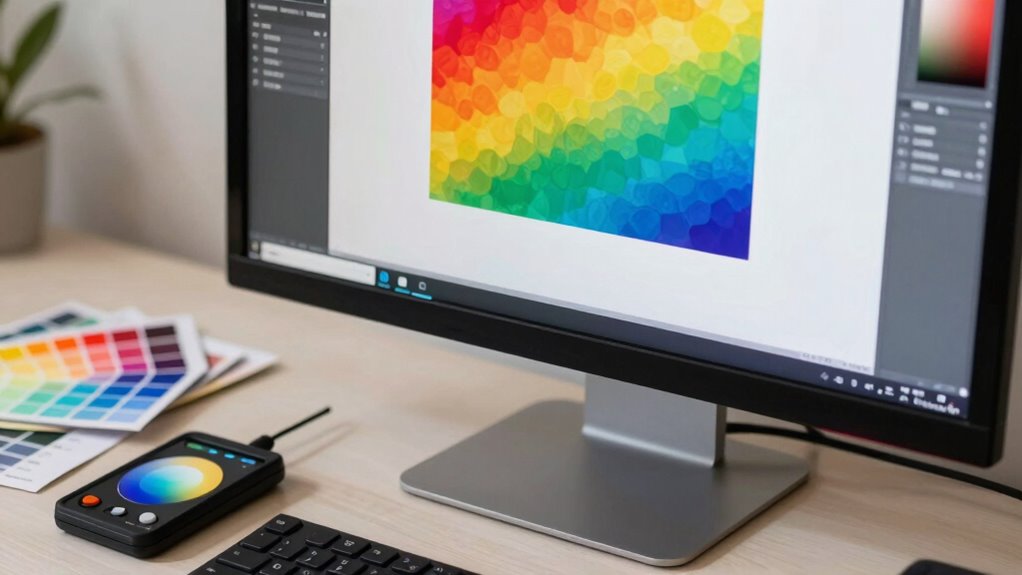
When working on visual projects, having a color-accurate monitor is essential to guarantee your work reflects true hues and details. Accurate color representation ensures that what you see on screen matches the final output, whether it’s print, web, or broadcast. Without proper calibration, your monitor may display colors that are off, leading to flawed edits and inconsistent results. That’s why understanding calibration techniques is crucial. Regularly calibrate your monitor using hardware calibration tools or software solutions designed for this purpose. These tools measure your display’s output and adjust its settings—such as brightness, contrast, gamma, and color temperature—to match industry standards. Proper calibration not only improves color accuracy but also maintains consistency throughout your projects, saving you time and frustration. Additionally, understanding the importance of monitor calibration can help you establish a reliable workflow for consistent color management. Recognizing the significance of color management systems can further enhance your ability to produce precise and predictable results across various devices and mediums. Incorporating color profiles into your workflow ensures that your colors remain consistent across different software and hardware, further improving your overall accuracy. Moreover, a wide color gamut display can expand your creative possibilities by allowing you to work with a richer and more diverse color palette. Color-accurate monitors also support a broader color gamut, allowing you to work with a wider range of colors, which is especially important for professionals in photography, videography, and design. When your monitor can display more colors accurately, you’re less likely to encounter surprises when your work is viewed on other calibrated devices or printed. This is why investing in a monitor that covers standards like sRGB, Adobe RGB, or DCI-P3 can significantly improve your workflow’s reliability.
Regularly calibrate your monitor to ensure accurate colors and consistent results across all your visual projects.
Ultimately, having a monitor that supports proper calibration techniques and comes with robust color grading tools elevates your work from good to professional quality. It minimizes errors, enhances consistency, and ensures your creative vision is accurately realized. As you refine your skills, you’ll find that the precision of a color-accurate monitor becomes an indispensable part of your process, allowing you to deliver polished, true-to-life results every time.

datacolor SpyderPro Monitor Calibration Tool: Ensures Accurate Color When Viewing and Editing Photos & Videos
- Achieve True Color: Accurate color for editing and viewing
- Wide Compatibility: Calibrates LED, OLED, Mini LED screens
- Improve Workflow: Includes projector calibration and screen analysis
As an affiliate, we earn on qualifying purchases.
As an affiliate, we earn on qualifying purchases.
Frequently Asked Questions
How Do I Calibrate My Monitor for Color Accuracy?
To calibrate your monitor for color accuracy, start with reliable monitor calibration tools like a colorimeter or spectrophotometer. Follow the calibration process steps: connect your device, run the calibration software, and follow on-screen instructions to adjust brightness, contrast, and color settings. Regularly re-calibrate to maintain accuracy, especially if your work demands precise color matching. This guarantees your display shows true colors for professional-quality visual work.
What Is the Difference Between Color Gamut and Color Accuracy?
The difference between color gamut and color accuracy lies in their roles in color fidelity. Color gamut refers to the range of colors a monitor can display within a specific color space, like sRGB or Adobe RGB. Color accuracy measures how precisely a monitor reproduces those colors. A monitor with a wide color gamut provides more color options, but without good calibration, it may lack true color fidelity.
How Often Should I Recalibrate My Monitor?
You should recalibrate your monitor every 4 to 6 weeks to maintain color accuracy, especially if you’re doing serious visual work. Calibration software makes this easy, ensuring your display stays true to color standards. If you have color blindness or work with clients who do, regular calibration helps you see consistent, accurate colors, preventing surprises. Keep a schedule, and your monitor will deliver reliable, precise visuals every time.
Do Color-Accurate Monitors Improve Print Color Matching?
Ironically, a color-accurate monitor actually helps improve print color matching. By using precise color profiling, your screen’s colors align more closely with your printer’s output, ensuring printing consistency. This synchronization reduces surprises in your final prints, making your workflow smoother. When your monitor truly reflects accurate colors, you can confidently adjust your designs, knowing they’ll look just as intended when printed—saving time and frustration in the long run.
Are Expensive Monitors Worth the Investment for Casual Users?
Yes, expensive monitors can be worth it even for casual users, especially if you value accurate colors. They often come with better calibration options, ensuring your display remains consistent over time. While you might not need professional-grade precision, a well-calibrated, high-quality monitor enhances everyday activities like gaming, photo editing, or streaming. Investing in calibration tools can also improve your experience without breaking the bank.
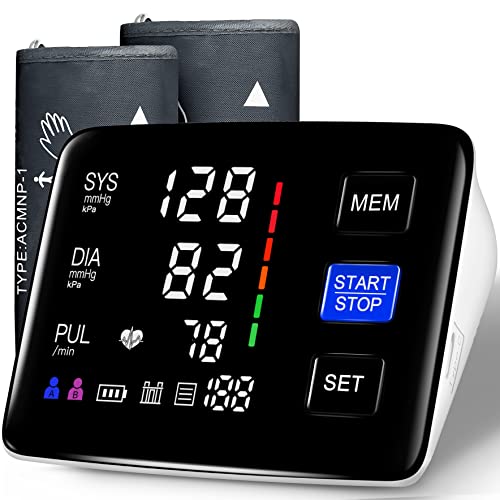
Blood Pressure Monitor, 9-17'' & 13-21'' Extra Large Cuff Upper Arm
- Accurate Readings: 2024 smart chip with AI algorithm
- Two Adjustable Cuffs: M/L (9-17") and XL (13-21")
- Comfortable Fit: Soft, wide-range, adjustable cuffs
As an affiliate, we earn on qualifying purchases.
As an affiliate, we earn on qualifying purchases.
Conclusion
You now understand why choosing a color-accurate monitor is essential for serious visual work. In fact, studies show that professionals using color-calibrated screens experience 30% fewer errors, boosting productivity and confidence. By investing in a monitor that delivers precise color reproduction, you’re ensuring your work reflects true artistry and professionalism. Don’t compromise on quality—your creative projects and clients deserve the best tools to bring your vision to life with accuracy and brilliance.

NEC Sharp Display 55 Wide Color Gamut Ultra High Definition Professional Display
- Display Size: 55-inch Ultra HD screen
- Color Gamut: Wide color spectrum
- Display Type: Professional UHD display
As an affiliate, we earn on qualifying purchases.
As an affiliate, we earn on qualifying purchases.

Calibrite Display 123 Monitor Calibration Colorimeter for Photo Editing and Color Accurate Viewing, Easy 1 2 3 Software Workflow, USB C Connection, and Before and After Check, Supports 2 Displays
- Compact Design: Approximately 34mm tall and 37mm diameter
- USB C Connectivity: Supports modern USB C connections
- Supports Two Displays: Calibrates up to two monitors
As an affiliate, we earn on qualifying purchases.
As an affiliate, we earn on qualifying purchases.